
 Help centre
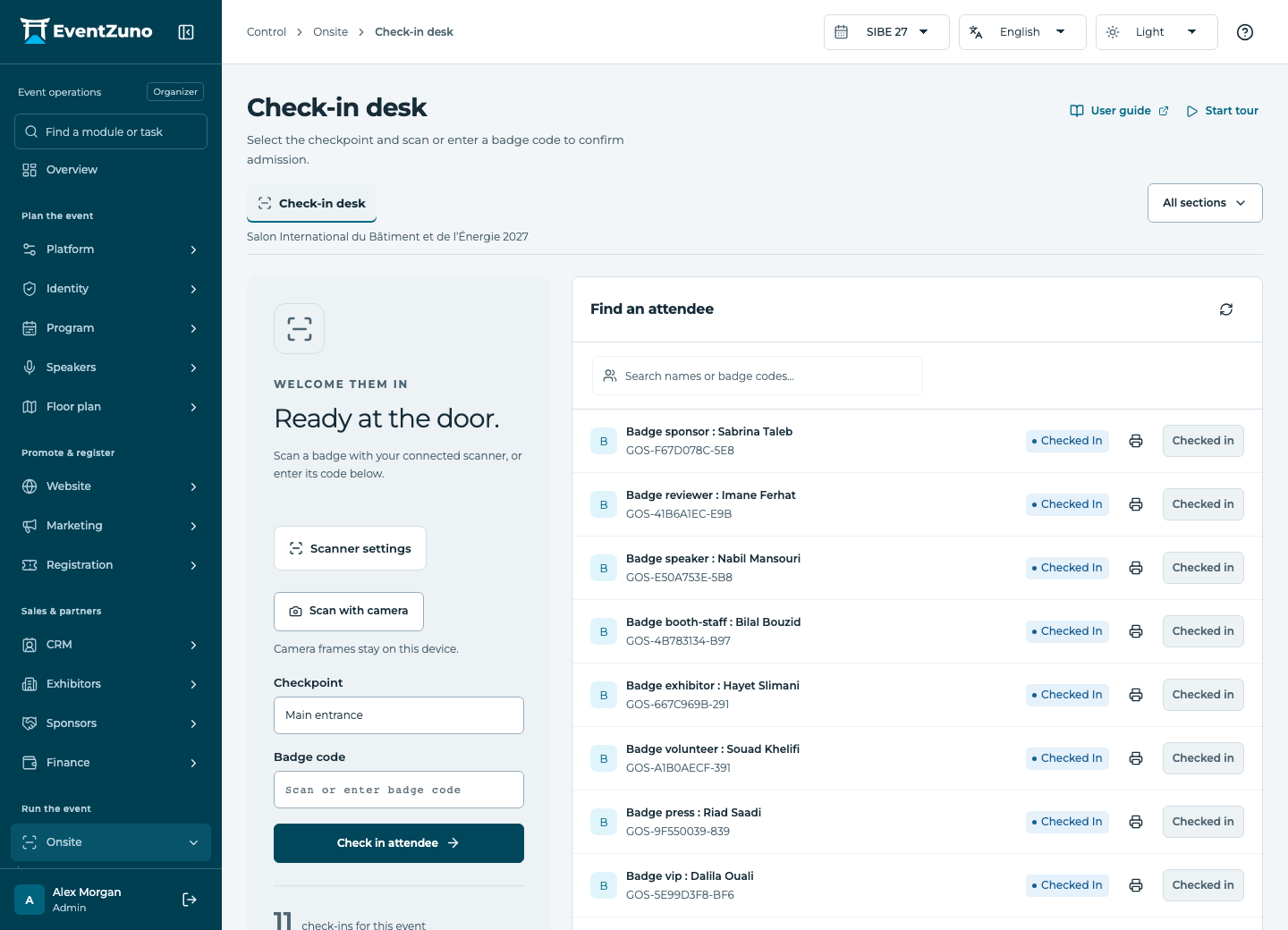
Check-in desk
Design printable badges, control admission and review check-in results for the event and sessions.
Steps
- Choose the checkpoint and applicable access rule.
- Select QR, barcode or both according to the badge code configuration.
- Scan with a permitted camera or enter the code manually.
- Read the admission result before allowing entry. Investigate denied or duplicate scans.
- Review check-in records for the selected event and session.
Fields and states
Check-ins
Scope: Selected event.
States: admitted, denied, reversed.
| Field | Format | Required |
|---|---|---|
| Registration Linked to: Registrations | Linked record | Yes |
| Contact Linked to: Contacts | Linked record | No |
| Session Linked to: Sessions | Linked record | No |
| Checkpoint | Text | No |
| Checked In At | Date and time | No |
| Device Id | Text | No |
| Client Id | Text | No |
| Source Choices: qr, barcode, manual, kiosk, nfc, offline | Choice | No |
If something is missing
Check the selected event, your role and the enabled modules. If an action fails, keep the entered details and review the error before retrying. Ask an administrator for access rather than sharing another account.