
 Help centre
Badge studio
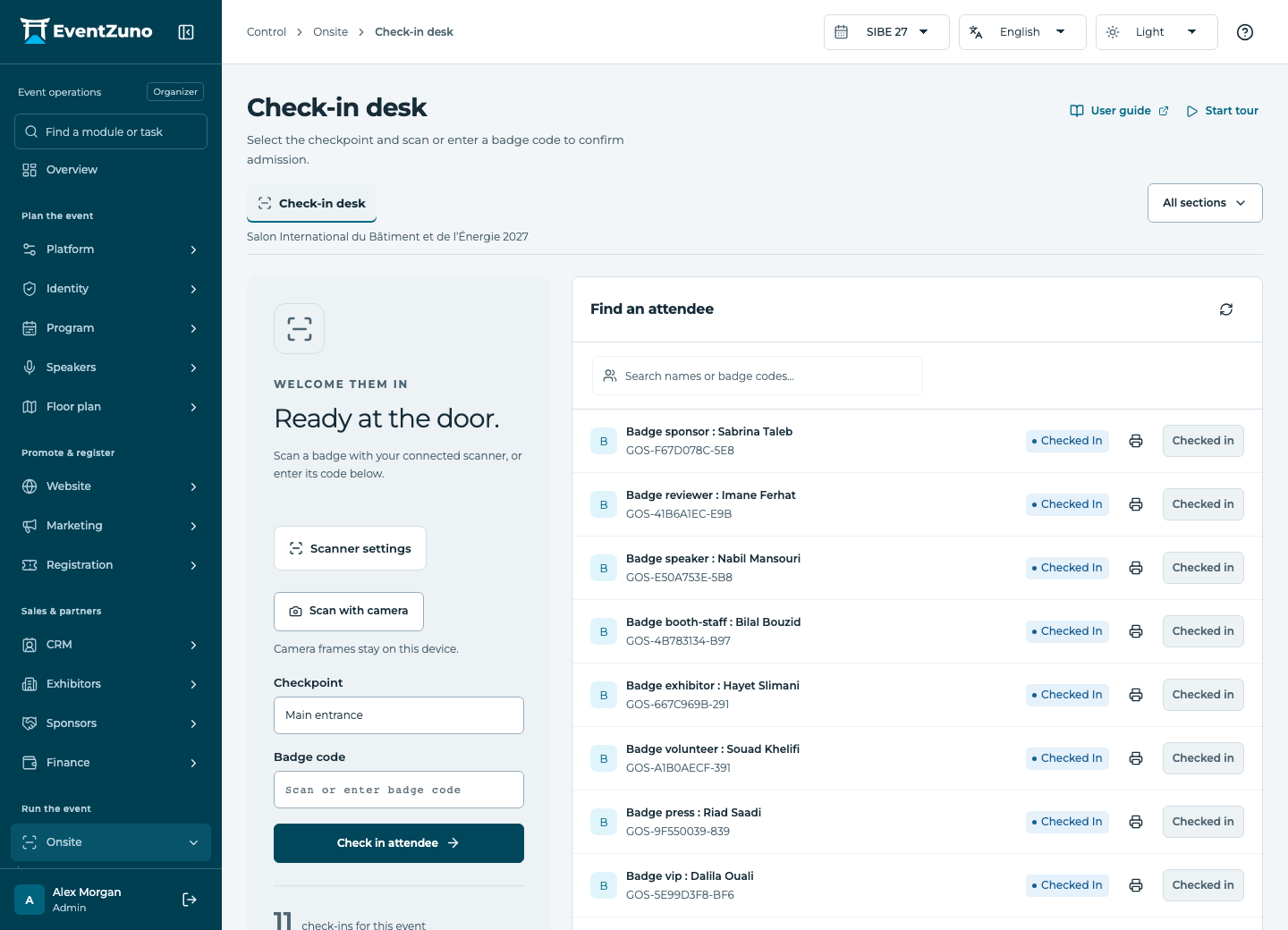
Design printable badges, control admission and review check-in results for the event and sessions.
Steps
- Choose the badge audience and create or open a template.
- Design the front and optional back on the canvas using registration fields, text, uploaded images and event logos.
- Configure QR or barcode content: admission identifier, contact card or supported custom content.
- Choose paper size, badge positions and margins. Set cut and fold guides and preview real or sample data.
- Save the template and download a test PDF before issuing badges.
Fields and states
Badge templates
Scope: Selected event.
States: draft, active, archived.
| Field | Format | Required |
|---|---|---|
| Width | Number | No |
| Height | Number | No |
| Theme Choices: custom, event | Choice | No |
| Elements | Structured settings | No |
| Print Design | Structured settings | No |
| Background Color | Text | No |
| Show Qr | On or off | No |
If something is missing
Check the selected event, your role and the enabled modules. If an action fails, keep the entered details and review the error before retrying. Ask an administrator for access rather than sharing another account.