
 Help centre
Team & invitations
Invite the people who run the event and give each role the access it needs.
Steps
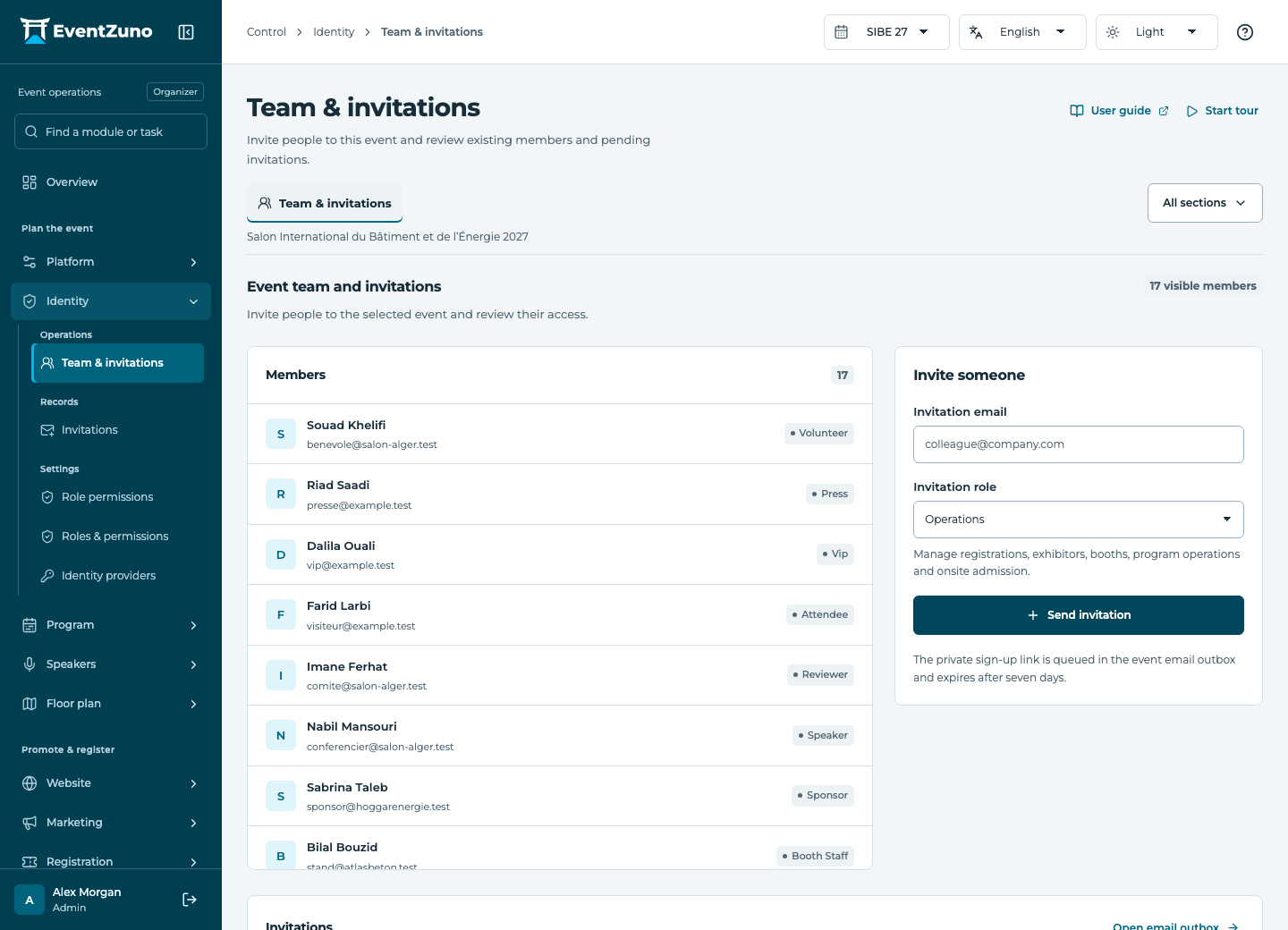
- Open Team & invitations for the selected event.
- Enter the person’s email and choose the role matching their job.
- Send the invitation and review its pending or accepted state.
- Revoke invitations that are no longer needed.
Fields and states
Invitations
Scope: Selected event.
States: pending, accepted, expired, revoked.
| Field | Format | Required |
|---|---|---|
| Email address | Yes | |
| Role | Text | Yes |
| Expires At | Date and time | Yes |
| Accepted At | Date and time | No |
If something is missing
Check the selected event, your role and the enabled modules. If an action fails, keep the entered details and review the error before retrying. Ask an administrator for access rather than sharing another account.