
 Help centre
Invitations
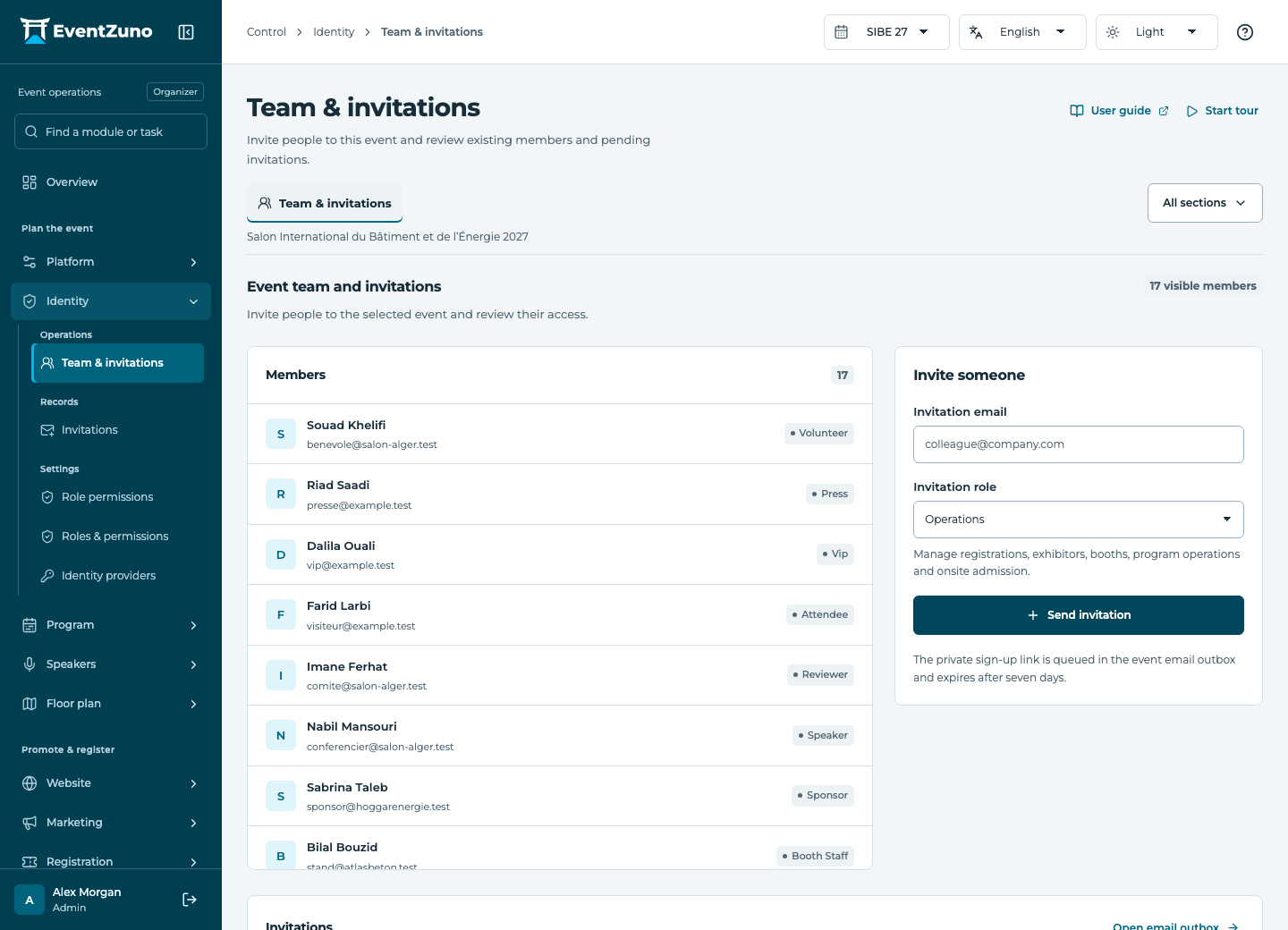
Invite the people who run the event and give each role the access it needs.
Steps
- Open this section from the module menu and check the selected event.
- Search or filter the list, then open the relevant record.
- Review the fields and relationships below. When permitted, create or edit a record and save.
- Confirm the saved values in the list. Export only the records you need.
Fields and states
Invitations
Scope: Selected event.
States: pending, accepted, expired, revoked.
| Field | Format | Required |
|---|---|---|
| Email address | Yes | |
| Role | Text | Yes |
| Expires At | Date and time | Yes |
| Accepted At | Date and time | No |
If something is missing
Check the selected event, your role and the enabled modules. If an action fails, keep the entered details and review the error before retrying. Ask an administrator for access rather than sharing another account.