
 Help centre
Email signatures
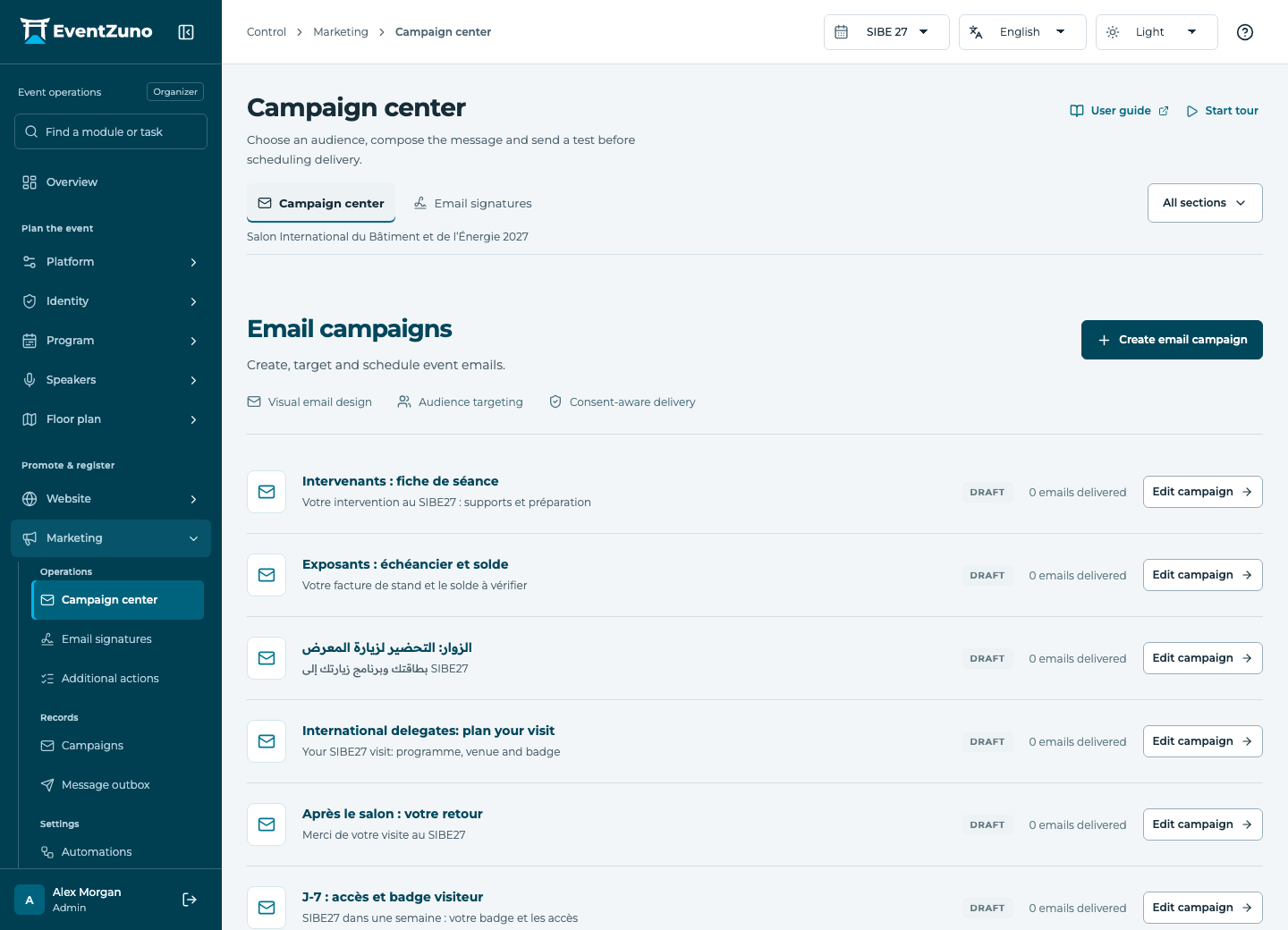
Prepare targeted event messages, test their appearance and monitor actual delivery outcomes.
Steps
- Create a signature template and choose its language.
- Add text, contact fields and an image from event logos, the gallery or an upload.
- Preview it with a team member’s details.
- Save the template and copy the generated signature into your email client.
Fields and states
Email signatures
Scope: Selected event.
States: draft, published, archived.
| Field | Format | Required |
|---|---|---|
| Slug | Text | Yes |
| Description | Long text | No |
| Design | Structured settings | No |
If something is missing
Check the selected event, your role and the enabled modules. If an action fails, keep the entered details and review the error before retrying. Ask an administrator for access rather than sharing another account.