
 Help centre
Sponsor fulfillment
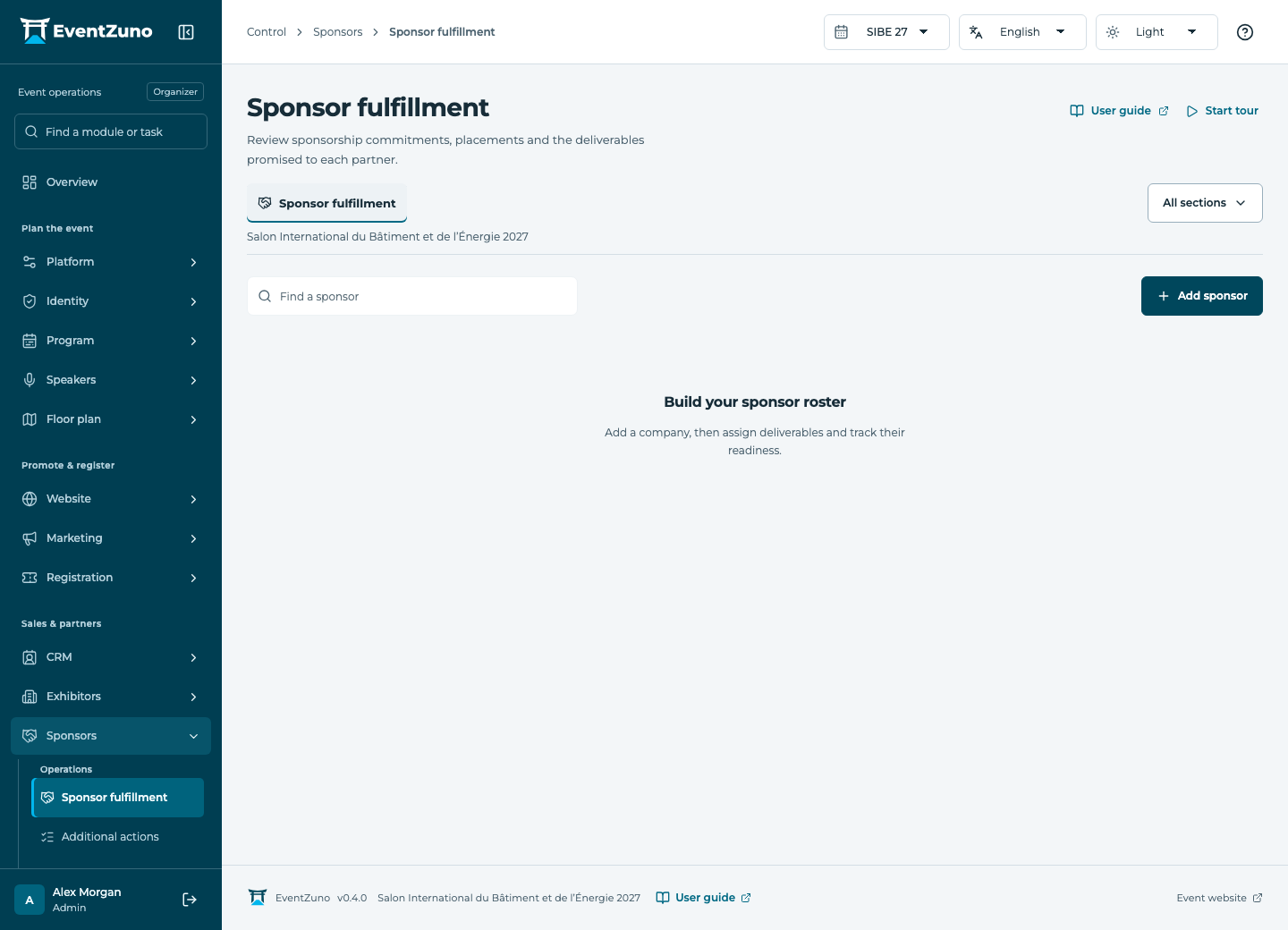
Track sponsor agreements, available placements and the commitments promised to each partner.
Steps
- Select a sponsorship and review its value, level and promised benefits.
- Assign placements only when capacity remains.
- Create deliverables with owners and deadlines for each commitment.
- Update fulfillment after verifying delivery and review the partner report.
Fields and states
Sponsorships
Scope: Selected event.
States: proposed, confirmed, active, fulfilled.
| Field | Format | Required |
|---|---|---|
| Tier Choices: platinum, gold, silver, bronze, partner | Choice | No |
| Amount | Number | No |
| Currency | Text | No |
| Benefits | Long text | No |
| Starts At | Date and time | No |
| Ends At | Date and time | No |
Placements
Scope: Selected event.
States: available, reserved, live, fulfilled.
| Field | Format | Required |
|---|---|---|
| Sponsorship Linked to: Sponsorships | Linked record | No |
| Location Choices: website, app, badge, floor-plan, email, stage | Choice | No |
| Asset Url | Text | No |
| Capacity | Number | No |
| Impressions | Number | No |
| Clicks | Number | No |
If something is missing
Check the selected event, your role and the enabled modules. If an action fails, keep the entered details and review the error before retrying. Ask an administrator for access rather than sharing another account.