
 Help centre
Ticket sales desk
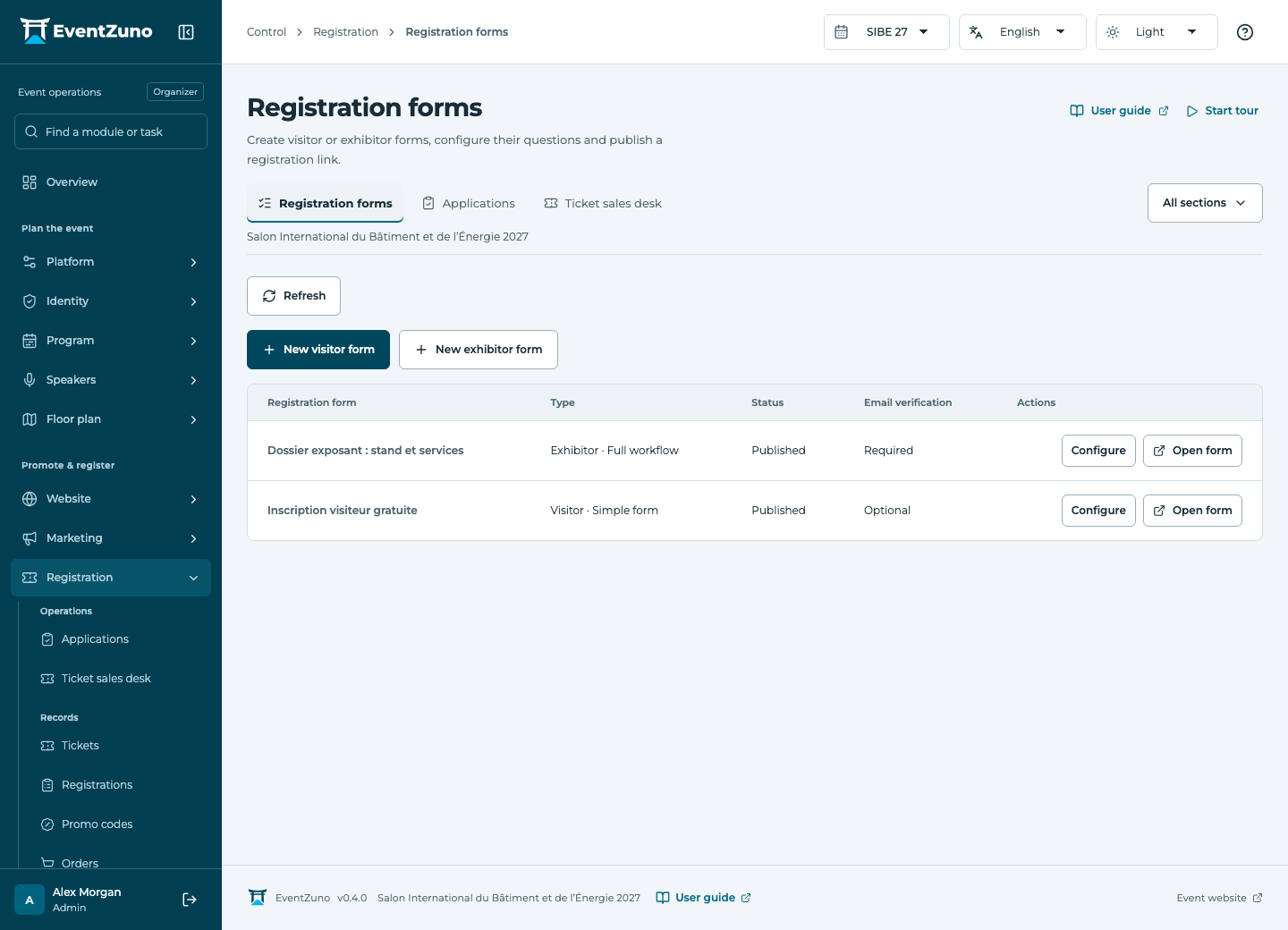
Create free or paid registration journeys for your audiences, review applications and manage ticket quotas.
Steps
- Select an existing contact or create the contact first.
- Choose the available ticket and quantity; check sale dates, remaining quota and currency.
- Apply a valid voucher if appropriate and review the order total.
- Confirm registration and inspect the resulting order and registration.
Fields and states
Tickets
Scope: Selected event.
States: draft, on-sale, closed.
| Field | Format | Required |
|---|---|---|
| Price | Number | No |
| Currency | Text | Yes |
| Capacity | Number | No |
| Sold | Number | No |
| Sale Starts At | Date and time | No |
| Sale Ends At | Date and time | No |
| Hidden | On or off | No |
| Requires Approval | On or off | No |
| Min Per Order | Number | No |
| Max Per Order | Number | No |
| Description | Long text | No |
| Form Fields | Structured settings | No |
Contacts
Scope: All events in this deployment.
States: draft, active, archived.
| Field | Format | Required |
|---|---|---|
| Email address | Yes | |
| First Name | Text | Yes |
| Last Name | Text | No |
| Job Title | Text | No |
| Phone | Text | No |
| Interests | Structured settings | No |
| Tags | Structured settings | No |
| Consent | On or off | No |
| Networking Opt In | On or off | No |
| Bio | Long text | No |
| External Id | Text | No |
Registrations
Scope: Selected event.
States: pending, confirmed, waitlisted, cancelled, checked-in.
| Field | Format | Required |
|---|---|---|
| Contact Linked to: Contacts | Linked record | Yes |
| Ticket Linked to: Tickets | Linked record | Yes |
| Quantity | Number | No |
| Total | Number | No |
| Currency | Text | No |
| Badge Code | Text | No |
| Expires At | Date and time | No |
| Answers | Structured settings | No |
| Group Code | Text | No |
| Request Linked to: Registration applications | Linked record | No |
If something is missing
Check the selected event, your role and the enabled modules. If an action fails, keep the entered details and review the error before retrying. Ask an administrator for access rather than sharing another account.