
 Help centre
Interface translations
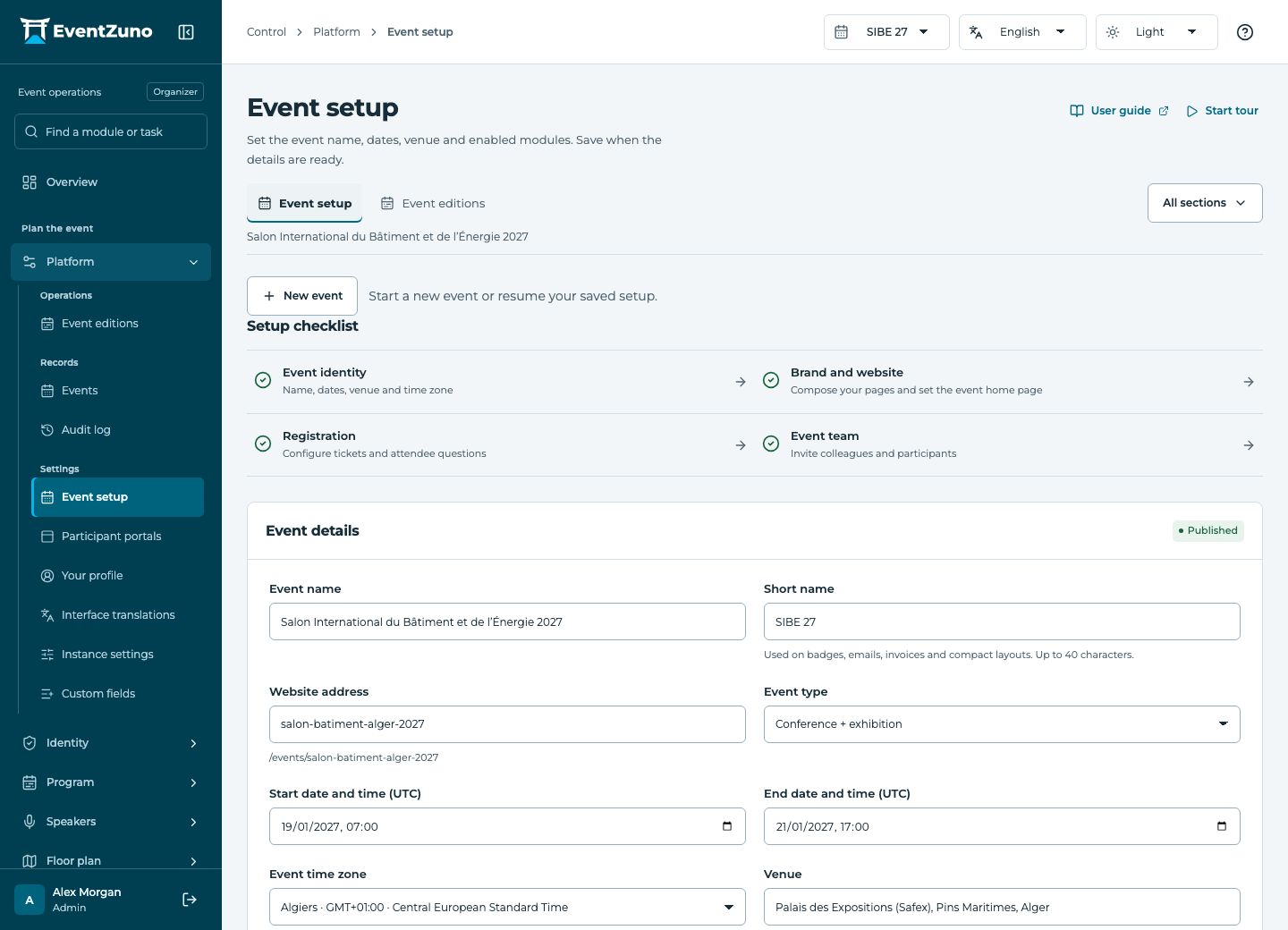
Set up an edition, choose the event modules and configure the participant spaces before inviting the team.
Steps
- Choose English, French or Arabic in Interface translations.
- Find the interface phrase you need to change and edit its localized value.
- Keep replacement variables intact and save.
- Switch the interface language to verify the text in context.
Fields and states
Instance settings
Scope: All events in this deployment.
States: draft, active, archived.
| Field | Format | Required |
|---|---|---|
| Key | Text | Yes |
| Value | Structured settings | No |
| Category | Text | No |
If something is missing
Check the selected event, your role and the enabled modules. If an action fails, keep the entered details and review the error before retrying. Ask an administrator for access rather than sharing another account.