
 Help centre
Budget overview
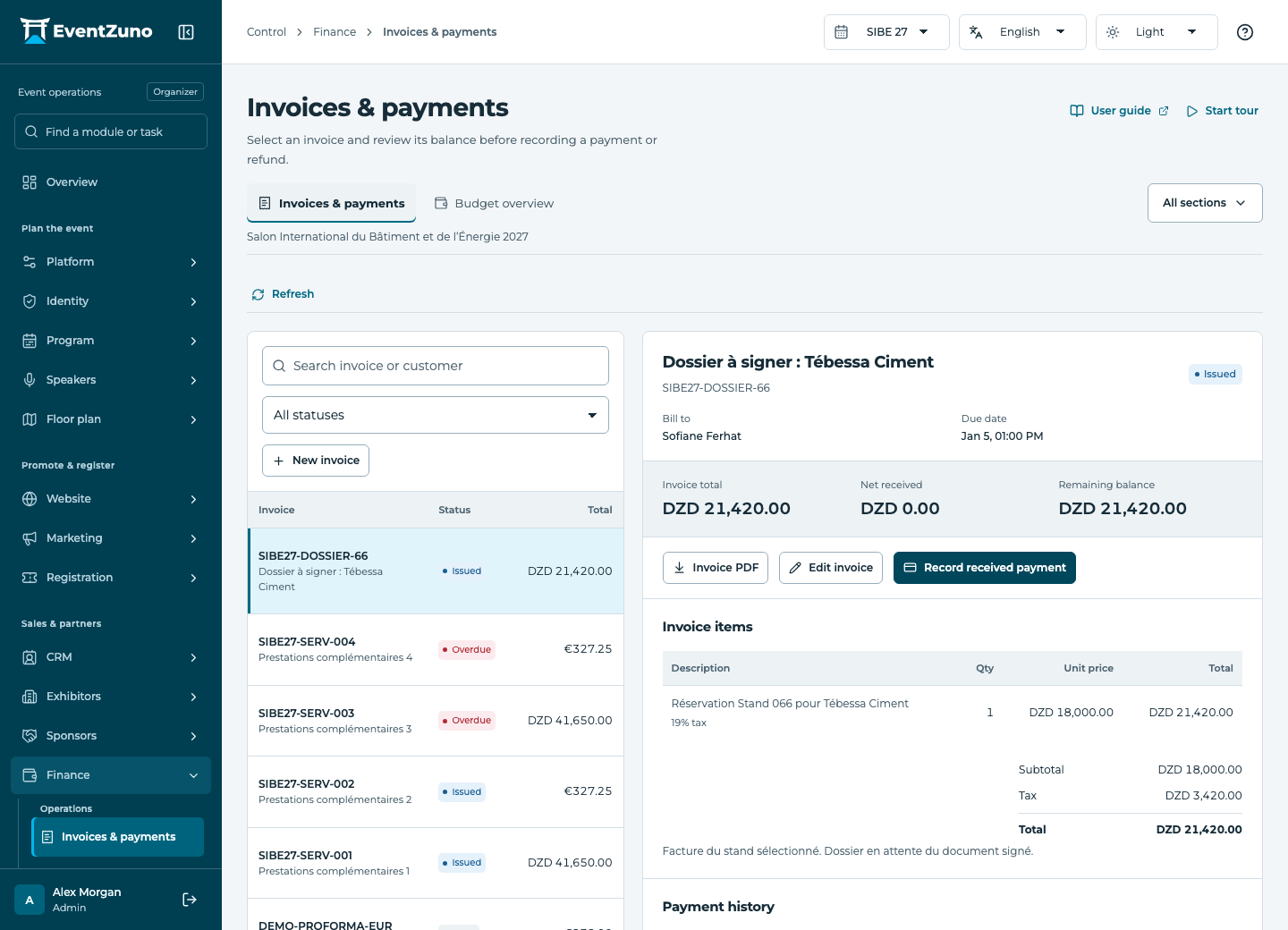
Issue invoices, record confirmed payments and refunds, and compare budgets without mixing currencies.
Steps
- Choose the event budget and its currency.
- Enter planned and actual amounts for each budget item.
- Compare categories and investigate differences.
- Keep foreign-currency budgets separate rather than combining DZD and EUR.
Fields and states
Budgets
Scope: Selected event.
States: working, approved, final.
| Field | Format | Required |
|---|---|---|
| Category Choices: venue, catering, marketing, staff, technology, travel, revenue, other | Choice | No |
| Planned | Number | No |
| Actual | Number | No |
| Currency | Text | No |
If something is missing
Check the selected event, your role and the enabled modules. If an action fails, keep the entered details and review the error before retrying. Ask an administrator for access rather than sharing another account.