
 Help centre
Exhibitor readiness
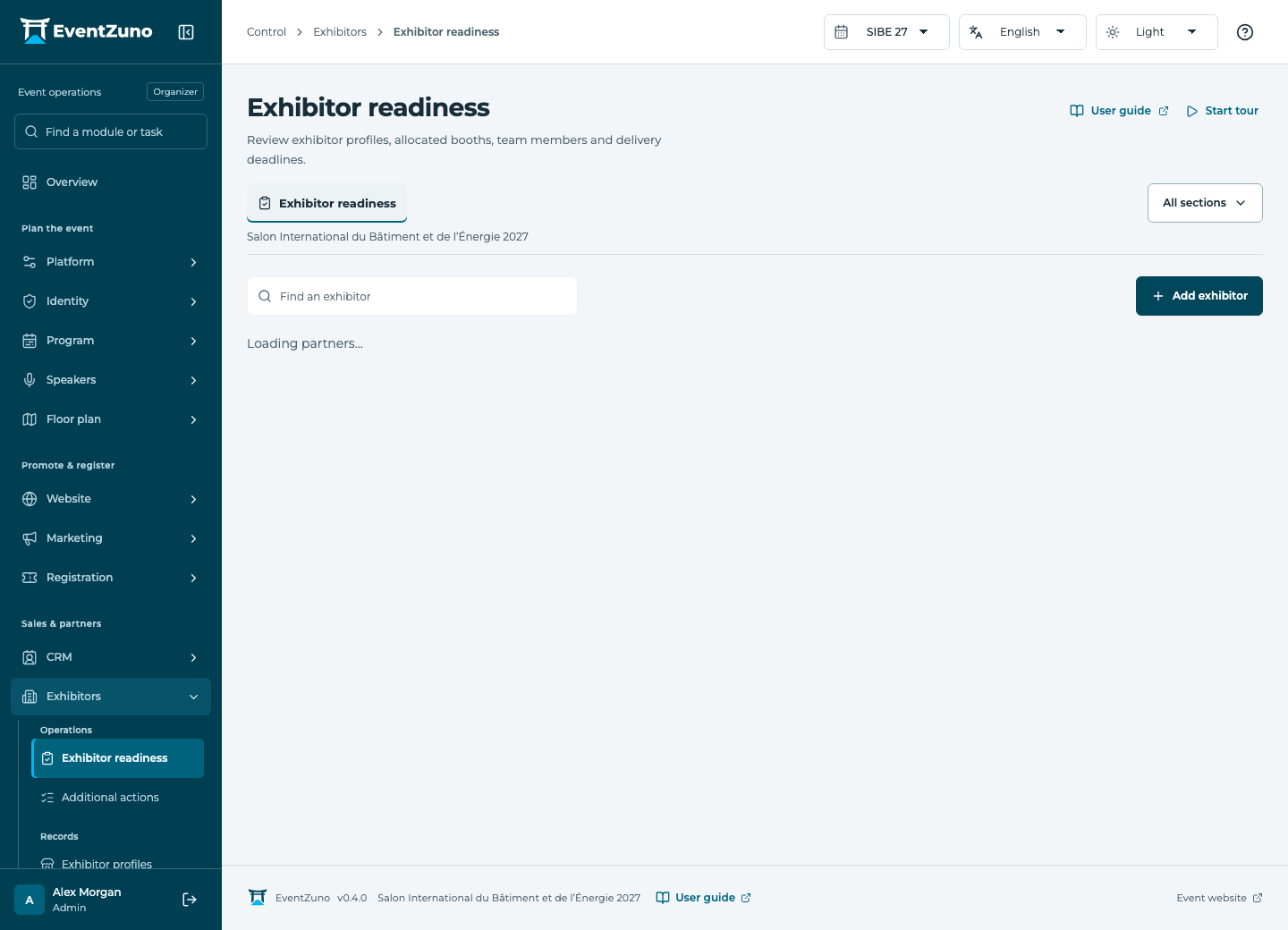
Prepare each exhibiting company, its booth team, required deliverables and service orders before the doors open.
Steps
- Select an exhibitor and review its company profile and allocated booth.
- Check staff passes and their quota before adding team members.
- Review each deliverable’s deadline, submission and approval state.
- Record service orders and follow up on incomplete items before the event.
Fields and states
Exhibitor profiles
Scope: Selected event.
States: draft, submitted, approved, published.
| Field | Format | Required |
|---|---|---|
| Description | Long text | No |
| Website | Text | No |
| Logo Url | Text | No |
| Categories | Structured settings | No |
| Contact Email | Text | No |
Companies
Scope: Selected event.
States: draft, active, archived.
| Field | Format | Required |
|---|---|---|
| Website | Text | No |
| Description | Long text | No |
| Industry | Text | No |
| Country | Text | No |
| Company Type Choices: exhibitor, sponsor, partner, supplier | Choice | No |
| Logo Url | Text | No |
| Tags | Structured settings | No |
| Address | Long text | No |
| Tax Id | Text | No |
| Registration Number | Text | No |
| Billing Email | Email address | No |
| Phone | Text | No |
If something is missing
Check the selected event, your role and the enabled modules. If an action fails, keep the entered details and review the error before retrying. Ask an administrator for access rather than sharing another account.