
 Help centre
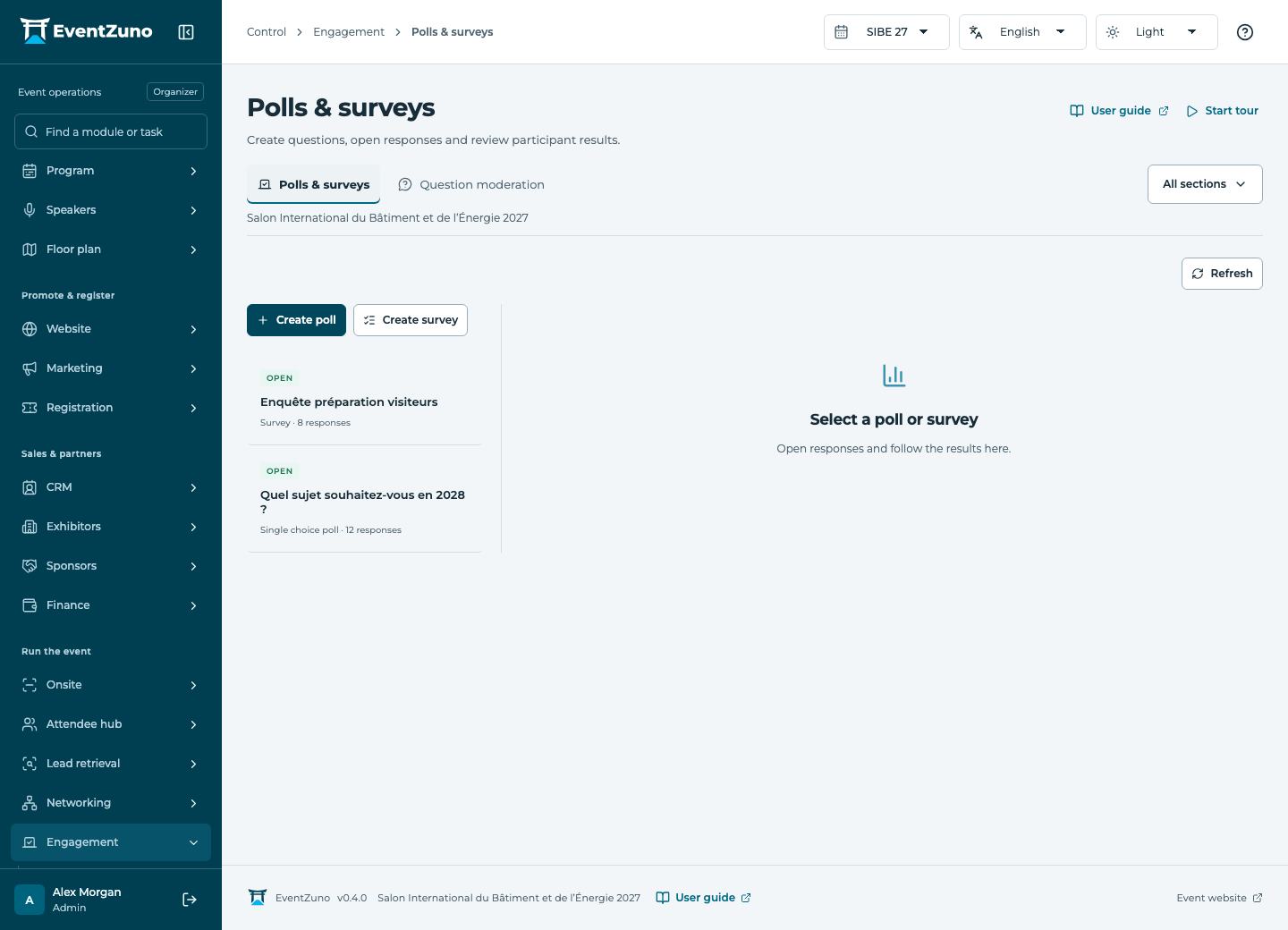
Polls & surveys
Collect audience responses, moderate session questions and manage event participation records.
Steps
- Create a poll with its question and answer choices.
- Choose the relevant event or session and preview the question.
- Open responses when ready and close them at the intended time.
- Review totals without interpreting empty results as responses.
Fields and states
Polls & surveys
Scope: Selected event.
States: draft, open, closed.
| Field | Format | Required |
|---|---|---|
| Session Linked to: Sessions | Linked record | No |
| Question | Long text | No |
| Options | Structured settings | No |
| Multiple Choice | On or off | No |
| Anonymous | On or off | No |
| Closes At | Date and time | No |
Poll responses
Scope: Selected event.
| Field | Format | Required |
|---|---|---|
| Poll Linked to: Polls & surveys | Linked record | Yes |
| Contact Linked to: Contacts | Linked record | No |
| Choices | Structured settings | No |
| Feedback | Long text | No |
If something is missing
Check the selected event, your role and the enabled modules. If an action fails, keep the entered details and review the error before retrying. Ask an administrator for access rather than sharing another account.