
 Help centre
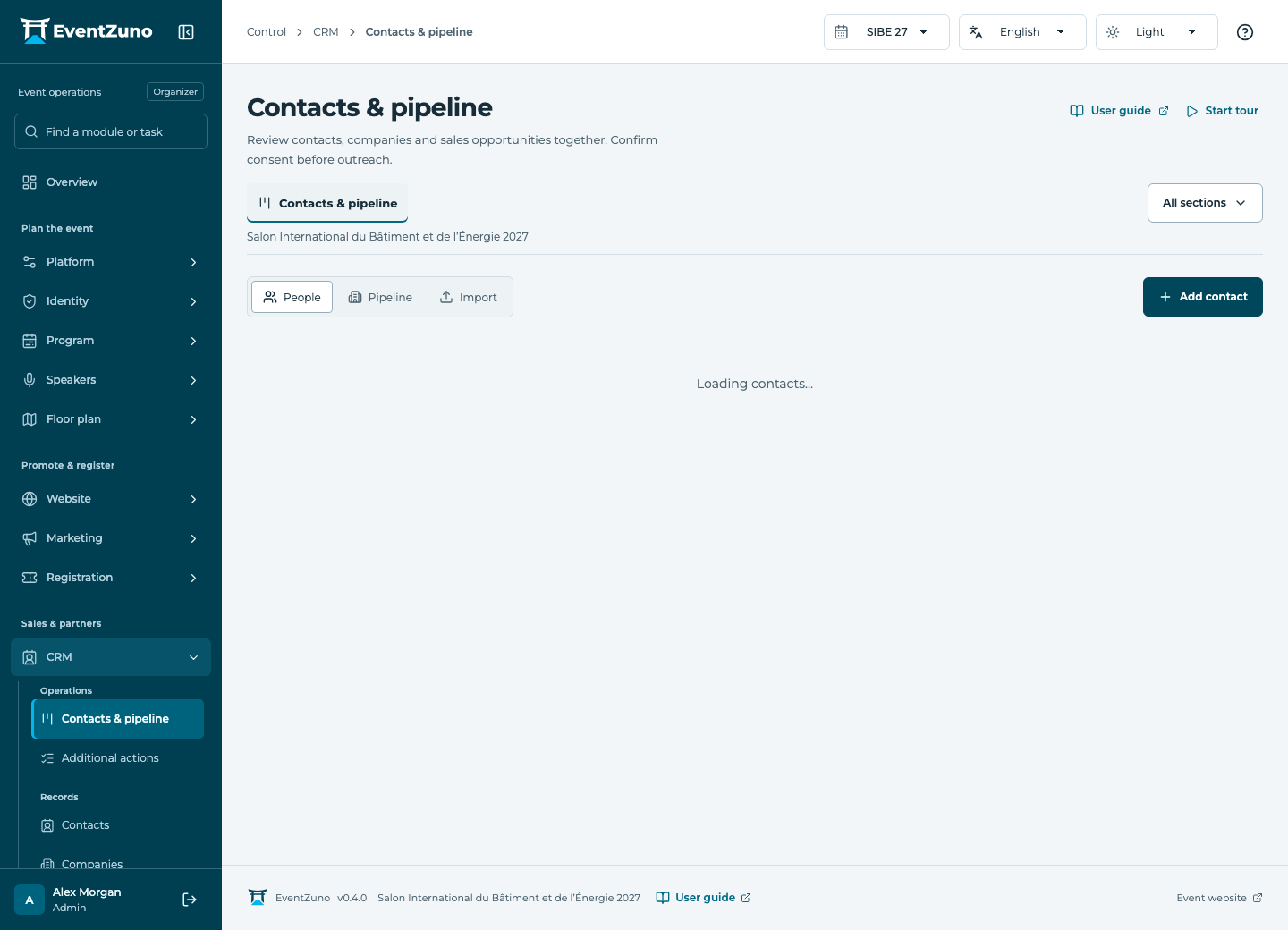
Contacts & pipeline
Keep contacts, companies and sales opportunities together. Follow conversations from enquiry to a confirmed outcome.
Steps
- Create or find the company and its contact before creating an opportunity.
- Set the opportunity’s stage, owner, currency and expected value.
- Move it as the conversation progresses and add dated notes.
- Mark it won or lost only after the outcome is confirmed.
Fields and states
Contacts
Scope: All events in this deployment.
States: draft, active, archived.
| Field | Format | Required |
|---|---|---|
| Email address | Yes | |
| First Name | Text | Yes |
| Last Name | Text | No |
| Job Title | Text | No |
| Phone | Text | No |
| Interests | Structured settings | No |
| Tags | Structured settings | No |
| Consent | On or off | No |
| Networking Opt In | On or off | No |
| Bio | Long text | No |
| External Id | Text | No |
Companies
Scope: Selected event.
States: draft, active, archived.
| Field | Format | Required |
|---|---|---|
| Website | Text | No |
| Description | Long text | No |
| Industry | Text | No |
| Country | Text | No |
| Company Type Choices: exhibitor, sponsor, partner, supplier | Choice | No |
| Logo Url | Text | No |
| Tags | Structured settings | No |
| Address | Long text | No |
| Tax Id | Text | No |
| Registration Number | Text | No |
| Billing Email | Email address | No |
| Phone | Text | No |
Sales pipeline
Scope: Selected event.
States: prospect, qualified, proposal, negotiation, won, lost.
| Field | Format | Required |
|---|---|---|
| Contact Linked to: Contacts | Linked record | No |
| Value | Number | No |
| Currency | Text | No |
| Expected Close At | Date and time | No |
| Notes | Long text | No |
If something is missing
Check the selected event, your role and the enabled modules. If an action fails, keep the entered details and review the error before retrying. Ask an administrator for access rather than sharing another account.