
 Help centre
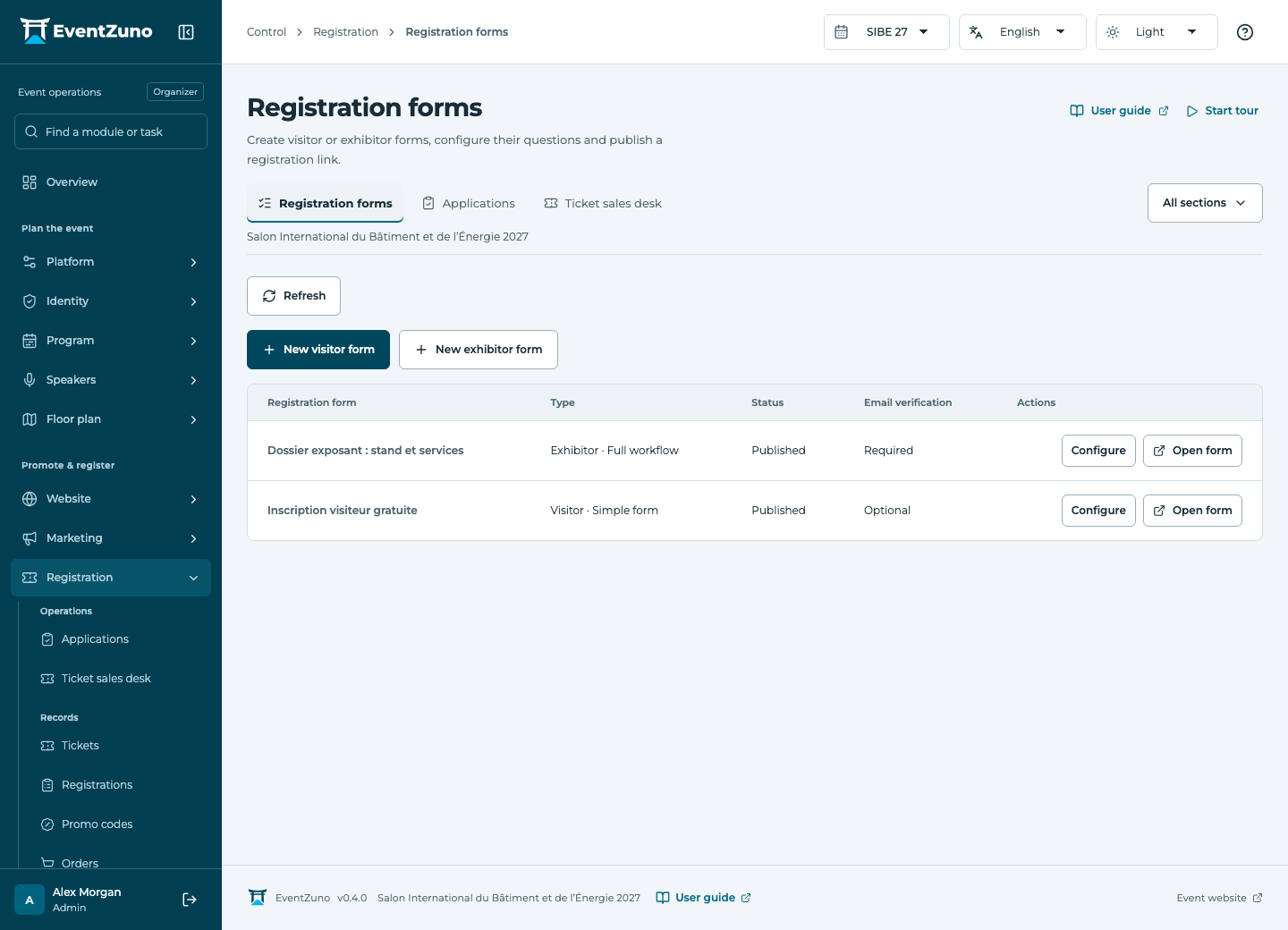
Registration forms
Create free or paid registration journeys for your audiences, review applications and manage ticket quotas.
Steps
- Create a form for visitors, exhibitors or another supported audience.
- Add questions, choose their types, mark required fields and configure conditional questions.
- Choose whether email verification is required. Configure the thank-you page, email and notification options.
- Preview the form in every enabled language, then publish its registration link.
Fields and states
Registration forms
Scope: Selected event.
States: draft, published.
| Field | Format | Required |
|---|---|---|
| Kind Choices: visitor, exhibitor | Choice | No |
| Audience Choices: attendee, press | Choice | No |
| Badge Release Choices: immediate, manual | Choice | No |
| Badge Released At | Date and time | No |
| Mode Choices: simple, full | Choice | No |
| Form Fields | Structured settings | No |
| Company Fields | Structured settings | No |
| Require Email Verification | On or off | No |
| Include Badge | On or off | No |
| Send Confirmation | On or off | No |
| Notify Organizers | On or off | No |
| Notification Recipients | Structured settings | No |
| Thank You Page Linked to: Website pages | Linked record | No |
| Badge Template Linked to: Badge templates | Linked record | No |
| Confirmation Template | Structured settings | No |
| Verification Template | Structured settings | No |
| Booth Options | Structured settings | No |
| Hold Minutes | Number | No |
| Registration Document | Structured settings | No |
| Internal Ticket Linked to: Tickets | Linked record | No |
If something is missing
Check the selected event, your role and the enabled modules. If an action fails, keep the entered details and review the error before retrying. Ask an administrator for access rather than sharing another account.