
 Help centre
Applications
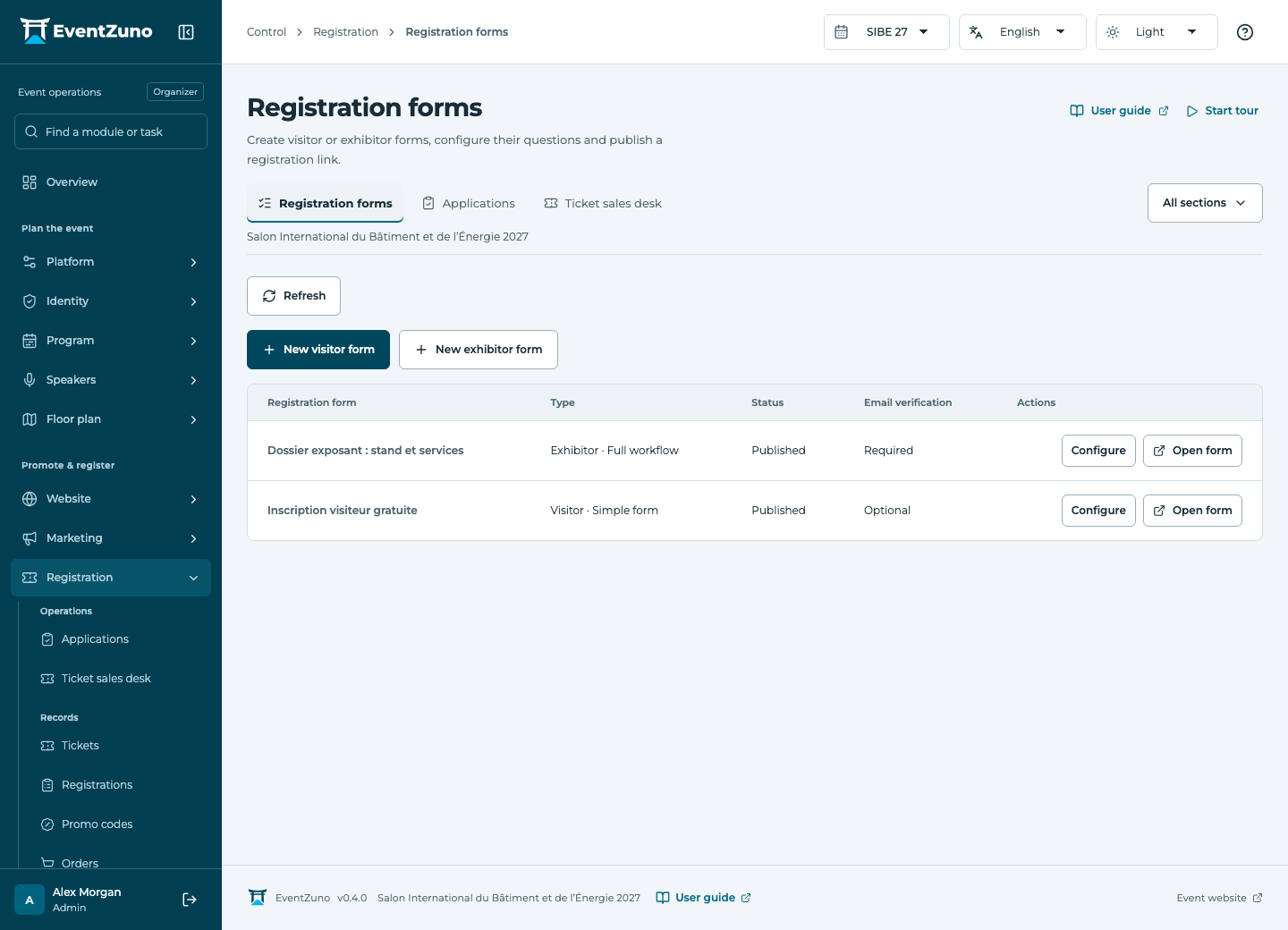
Create free or paid registration journeys for your audiences, review applications and manage ticket quotas.
Steps
- Filter applications by audience and status.
- Open an application to review answers, company information and submitted files.
- Record the decision or request the missing information using the available action.
- Check the participant and CRM records after a confirmed application.
Fields and states
Registration applications
Scope: Selected event.
States: pending-verification, draft, awaiting-signature, pending-review, confirmed, rejected, expired, cancelled.
| Field | Format | Required |
|---|---|---|
| Config Linked to: Registration forms | Linked record | Yes |
| Kind Choices: visitor, exhibitor | Choice | No |
| Email address | Yes | |
| Name | Text | Yes |
| Country | Text | No |
| Answers | Structured settings | No |
| Company Answers | Structured settings | No |
| Email Verified At | Date and time | No |
| Verification Expires At | Date and time | No |
| Verification Used At | Date and time | No |
| Registration Linked to: Registrations | Linked record | No |
| Booth Linked to: Booths | Linked record | No |
| Selection | Structured settings | No |
| Totals | Structured settings | No |
| Invoice Linked to: Invoices | Linked record | No |
| Signed Document Linked to: media | Linked record | No |
| Snapshot | Structured settings | No |
| Submitted At | Date and time | No |
| Confirmed At | Date and time | No |
| Confirmed By Linked to: users | Linked record | No |
If something is missing
Check the selected event, your role and the enabled modules. If an action fails, keep the entered details and review the error before retrying. Ask an administrator for access rather than sharing another account.