
 Help centre
Capture licenses
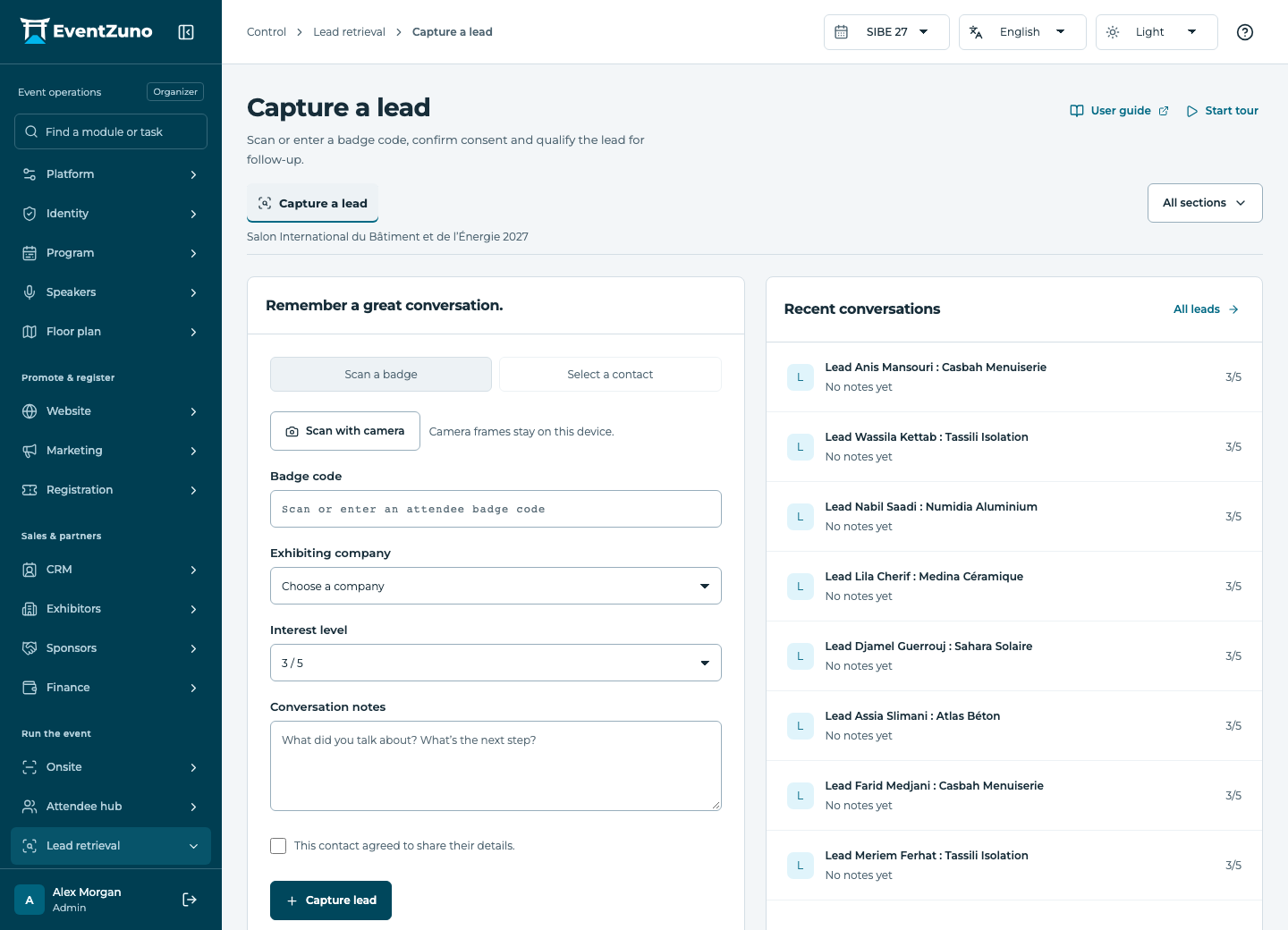
Collect consenting visitor contacts for a company and qualify them for an appropriate follow-up.
Steps
- Open this section from the module menu and check the selected event.
- Search or filter the list, then open the relevant record.
- Review the fields and relationships below. When permitted, create or edit a record and save.
- Confirm the saved values in the list. Export only the records you need.
Fields and states
Capture licenses
Scope: Selected event.
States: available, assigned, activated, expired.
| Field | Format | Required |
|---|---|---|
| Assignee Linked to: users | Linked record | No |
| Device Id | Text | No |
| Activated At | Date and time | No |
| First Used At | Date and time | No |
| Expires At | Date and time | No |
If something is missing
Check the selected event, your role and the enabled modules. If an action fails, keep the entered details and review the error before retrying. Ask an administrator for access rather than sharing another account.