
 Help centre
Additional actions
Build a hall map, manage booth availability and decide when the plan is ready for visitors and exhibitors.
Steps
Open Additional actions, choose the specific workflow, review its inputs and run it once. Check the resulting records before repeating an action.
Combine adjacent booths
Join two available, adjoining booths in the same hall. The combined space keeps the first booth’s identity.
- First booth
- Second booth
- Combined booth name
Merge booths
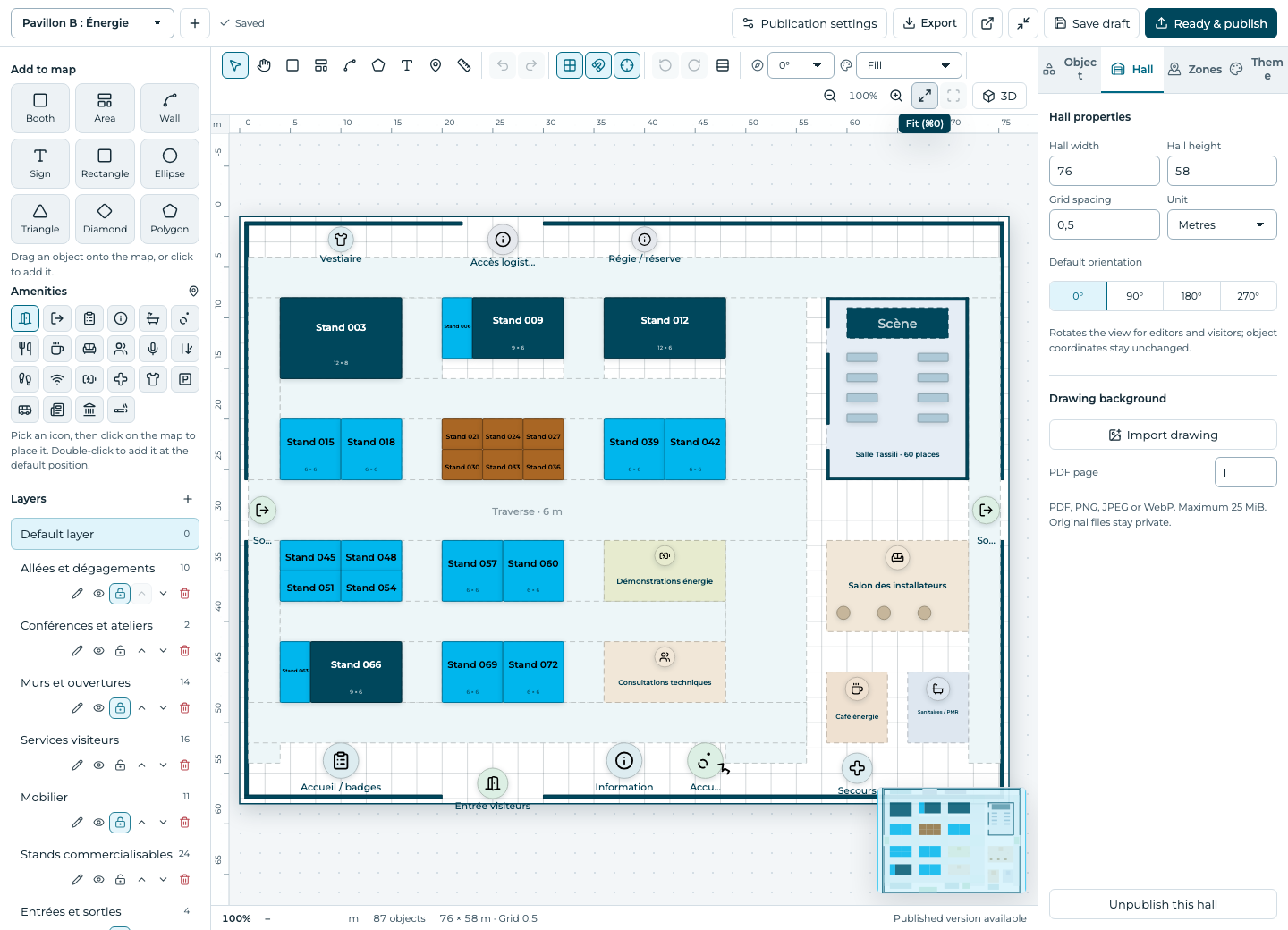
Number a hall’s booths
Number booths in map order, from left to right and top to bottom.
- Hall
- Prefix
- Start number
Number booths
If something is missing
Check the selected event, your role and the enabled modules. If an action fails, keep the entered details and review the error before retrying. Ask an administrator for access rather than sharing another account.