
 Help centre
Event analytics
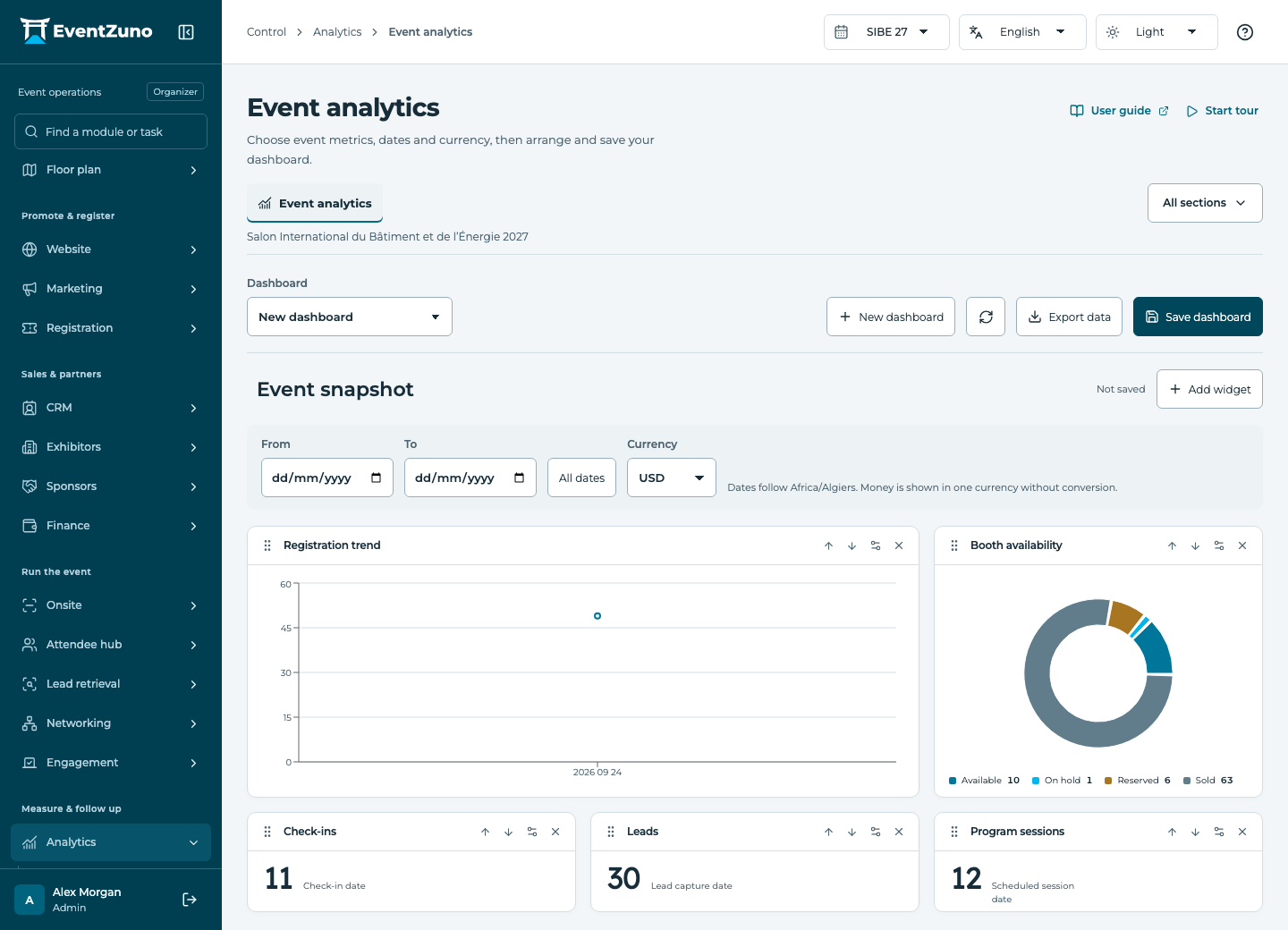
Choose useful event measures, arrange dashboards and compare results with the recorded source data.
Steps
- Create or select an event dashboard.
- Add widgets and choose a metric and display type: number, chart or table.
- Arrange and resize widgets, then choose date and currency filters.
- Save the dashboard and compare totals with the underlying registrations or invoices.
Fields and states
Custom dashboards
Scope: Selected event.
States: draft, active, archived.
| Field | Format | Required |
|---|---|---|
| Description | Long text | No |
| Layout | Structured settings | No |
| Date Range | Structured settings | No |
| Currency | Text | No |
If something is missing
Check the selected event, your role and the enabled modules. If an action fails, keep the entered details and review the error before retrying. Ask an administrator for access rather than sharing another account.