
 Help centre
Additional actions
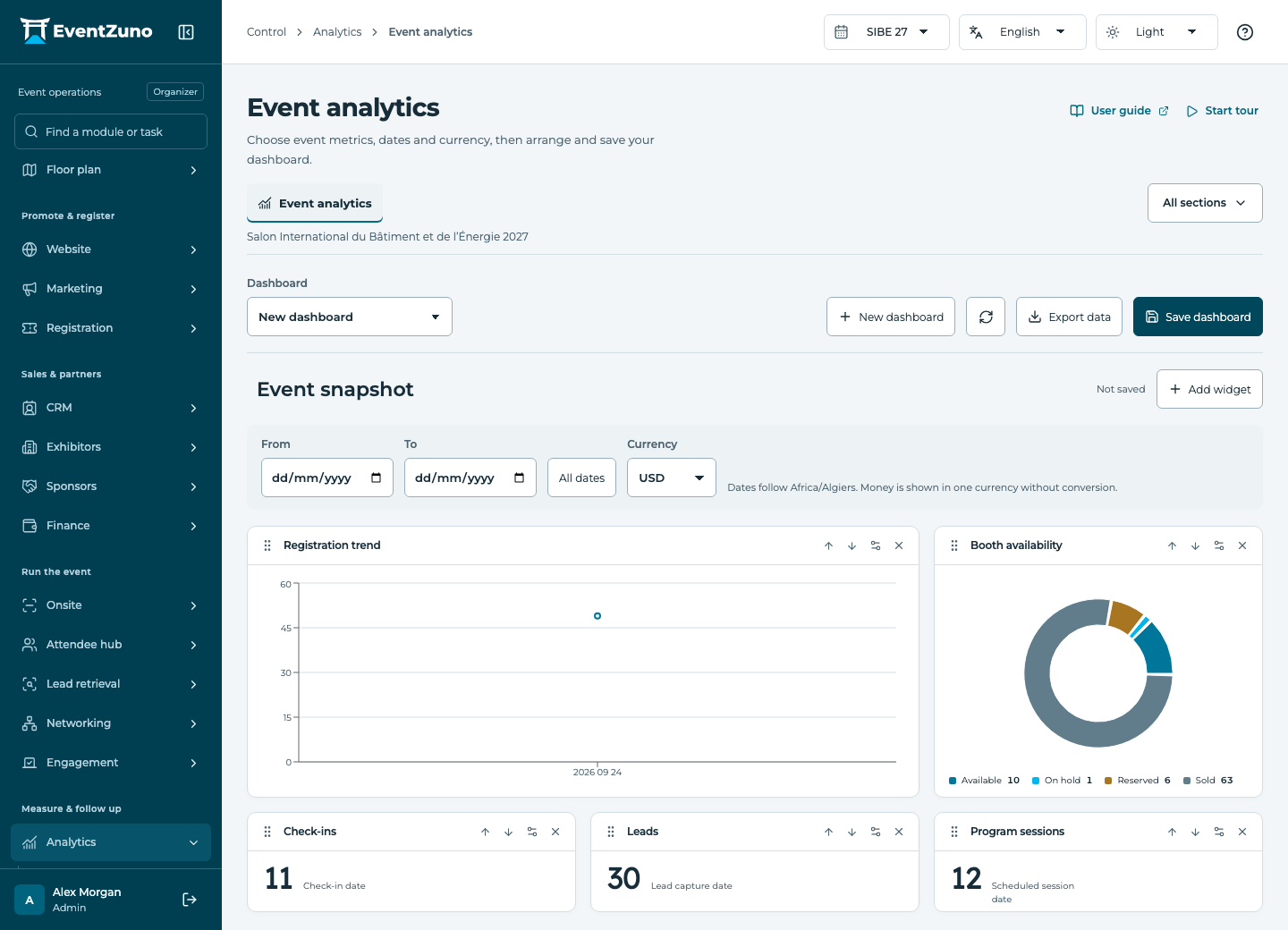
Choose useful event measures, arrange dashboards and compare results with the recorded source data.
Steps
Open Additional actions, choose the specific workflow, review its inputs and run it once. Check the resulting records before repeating an action.
Run a saved report
Group current event records using a report’s saved configuration.
- Report
Generate report
Compare event editions
Compare this event’s registration total with an earlier edition.
- Previous event
Compare registrations
If something is missing
Check the selected event, your role and the enabled modules. If an action fails, keep the entered details and review the error before retrying. Ask an administrator for access rather than sharing another account.