
 Help centre
Website engagement
Build and publish the event website with shared identity, multilingual pages, forms, blog and navigation.
Steps
- Create an announcement with text, colors and an optional action.
- Add header or footer image ads with destination links and start and end dates.
- Configure cookie categories and consent text, then choose the back-to-top icon.
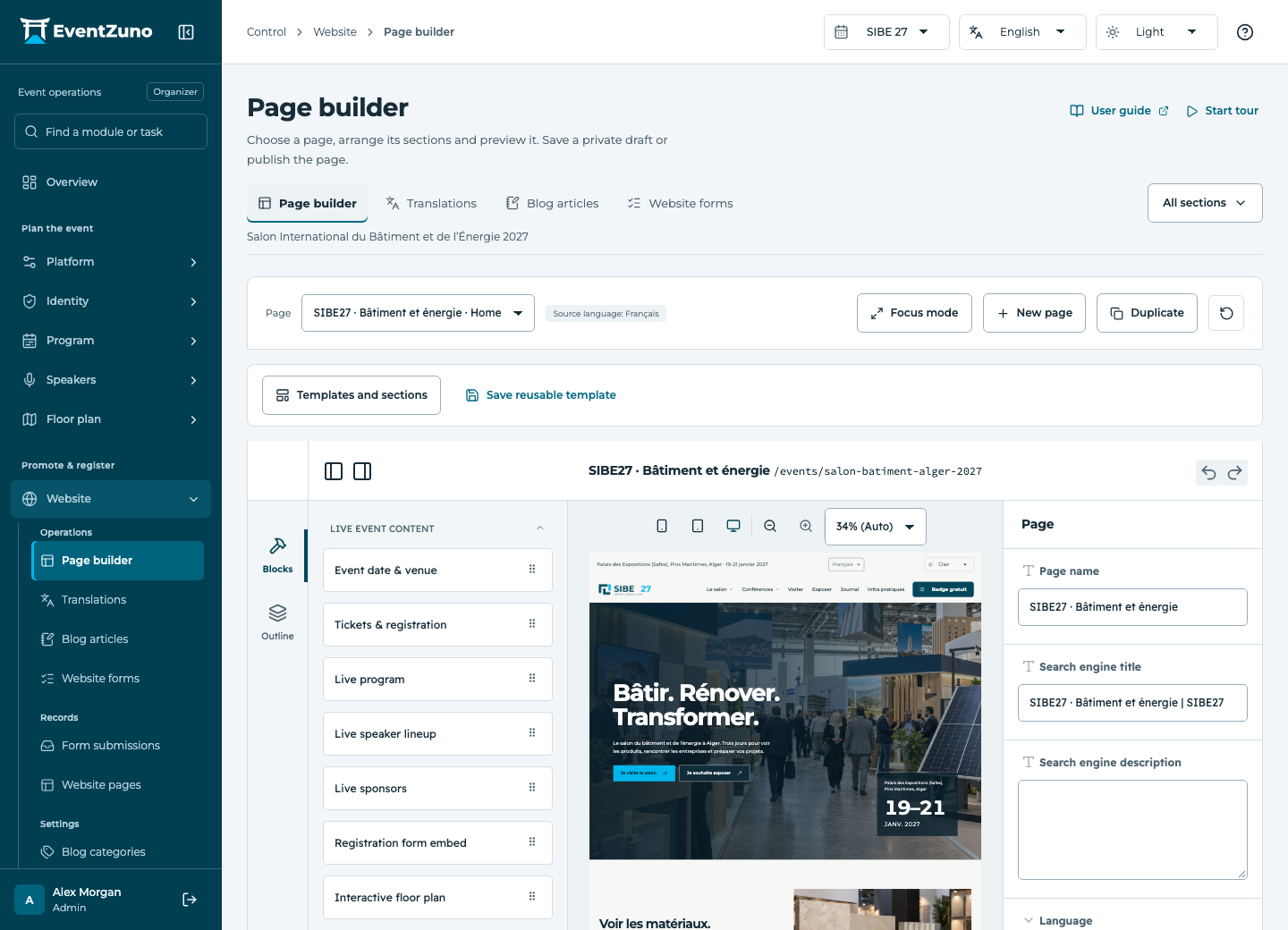
- Preview desktop, mobile and both themes before publishing.
Fields and states
Website pages
Scope: Selected event.
States: draft, published, archived.
| Field | Format | Required |
|---|---|---|
| Slug | Text | Yes |
| Locale | Text | No |
| Description | Long text | No |
| Blocks | Structured settings | No |
| Meta Title | Text | No |
| Meta Description | Long text | No |
| Is Homepage | On or off | No |
| Primary Color | Text | No |
If something is missing
Check the selected event, your role and the enabled modules. If an action fails, keep the entered details and review the error before retrying. Ask an administrator for access rather than sharing another account.