
 Help centre
Review desk
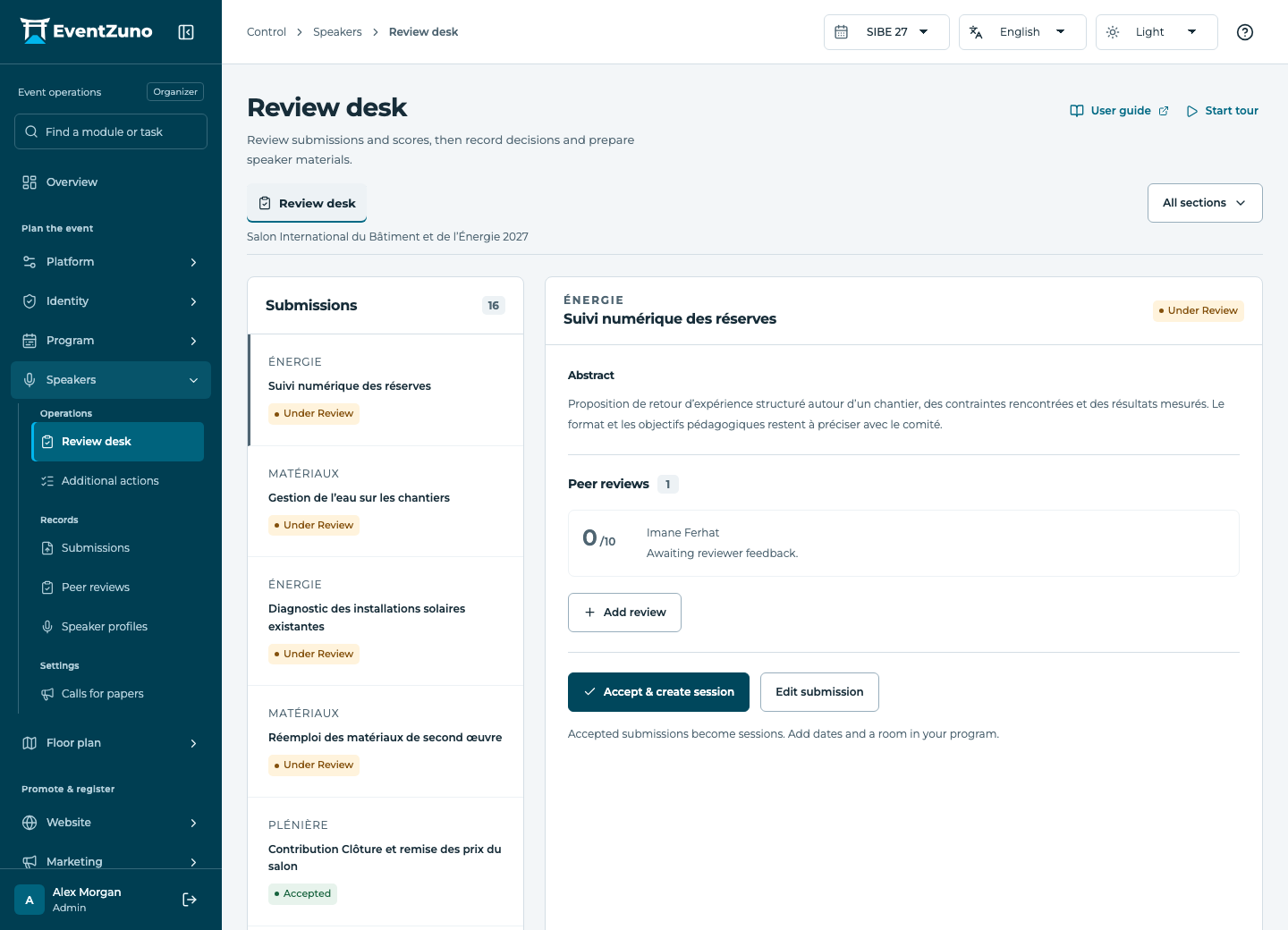
Manage calls for papers, review submissions and prepare accepted speakers for the programme.
Steps
- Select the call for papers and review its submissions.
- Assign reviewers and inspect their scores and comments.
- Record an acceptance or rejection and review the resulting session when created.
- Complete the speaker profile and required materials before publishing.
Fields and states
Submissions
Scope: Selected event.
States: draft, submitted, under-review, accepted, rejected, published.
| Field | Format | Required |
|---|---|---|
| Contact Linked to: Contacts | Linked record | Yes |
| Abstract | Long text | No |
| Topic | Text | No |
| Format Choices: abstract, paper, panel, poster | Choice | No |
| Deadline | Date and time | No |
| Word Limit | Number | No |
| Coauthors | Structured settings | No |
| Attachment Url | Text | No |
| Session Linked to: Sessions | Linked record | No |
Peer reviews
Scope: Selected event.
States: assigned, in-progress, submitted.
| Field | Format | Required |
|---|---|---|
| Submission Linked to: Submissions | Linked record | Yes |
| Reviewer Linked to: users | Linked record | Yes |
| Score | Number | No |
| Comments | Long text | No |
| Conflict Of Interest | On or off | No |
| Blind Mode Choices: double-blind, single-blind, open | Choice | No |
If something is missing
Check the selected event, your role and the enabled modules. If an action fails, keep the entered details and review the error before retrying. Ask an administrator for access rather than sharing another account.