
 Help centre
Email delivery
Configure email, file storage, sign-in, analytics and restricted access for connected tools.
Steps
- Choose the supported sending provider or SMTP configuration.
- Enter server or API settings and the approved sender identity.
- Save securely and send a test to an address you control.
- Inspect the result and delivery log before enabling campaign sending.
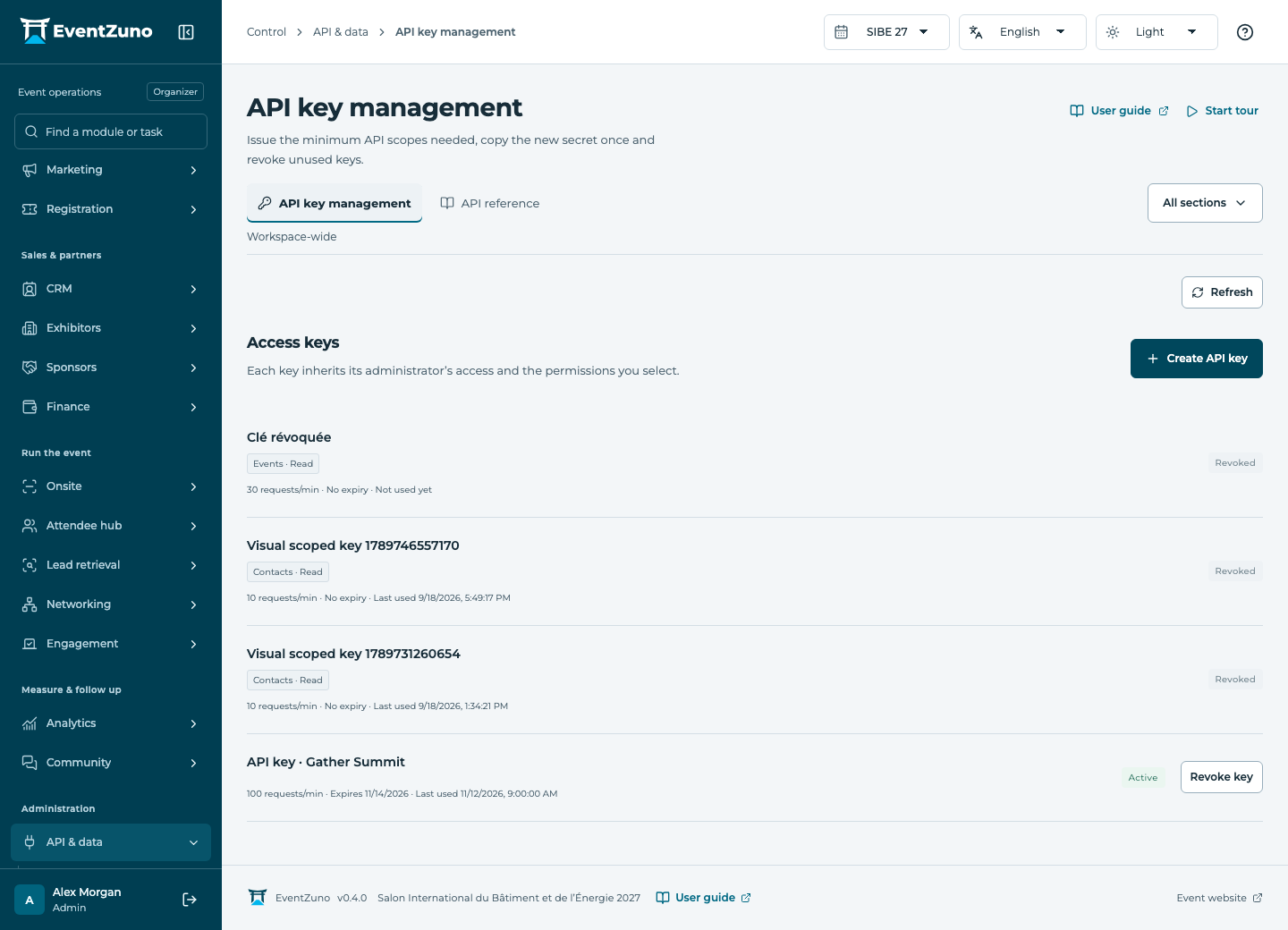
Fields and states
Instance settings
Scope: All events in this deployment.
States: draft, active, archived.
| Field | Format | Required |
|---|---|---|
| Key | Text | Yes |
| Value | Structured settings | No |
| Category | Text | No |
If something is missing
Check the selected event, your role and the enabled modules. If an action fails, keep the entered details and review the error before retrying. Ask an administrator for access rather than sharing another account.