
 Help centre
Role permissions
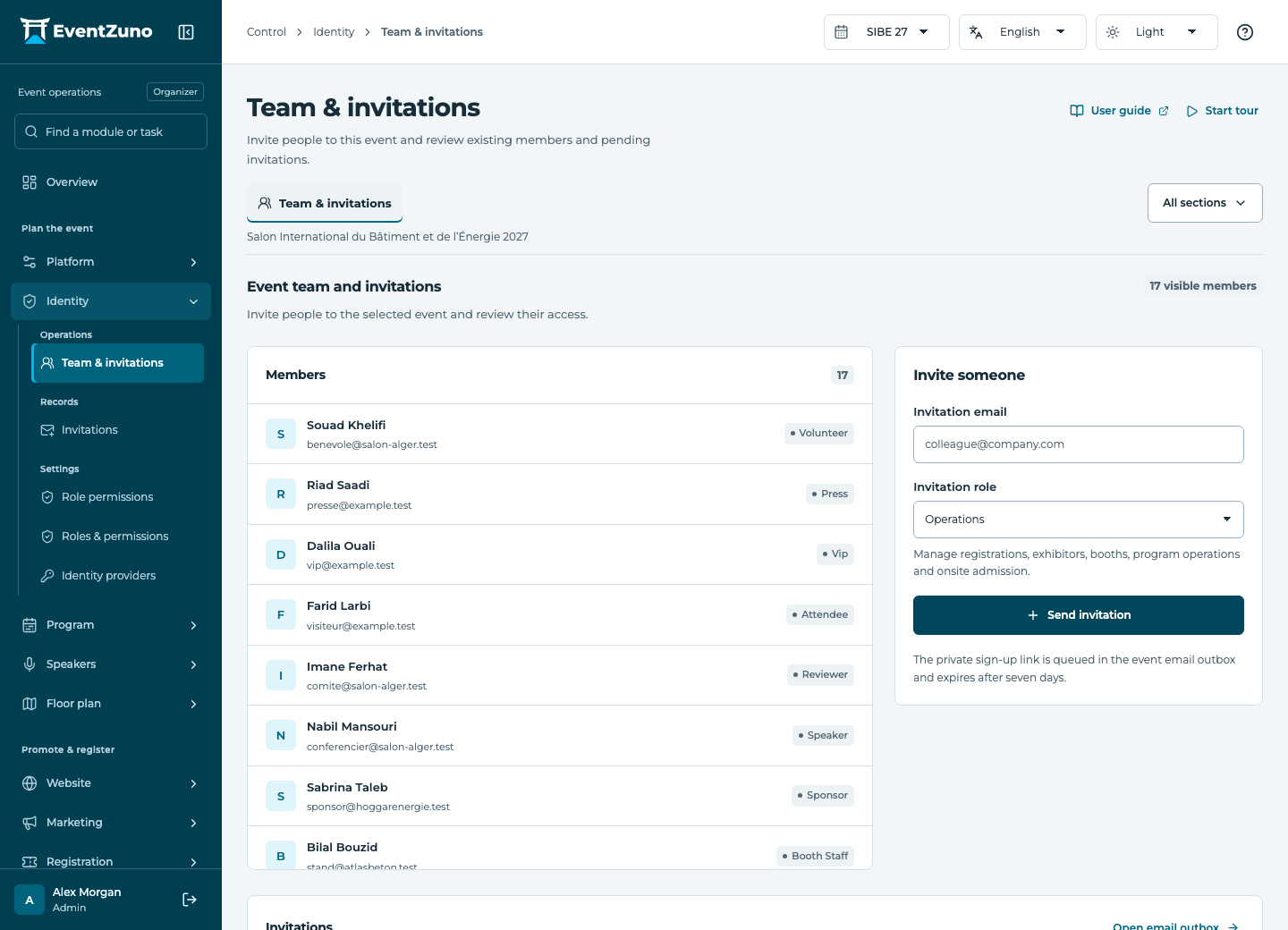
Invite the people who run the event and give each role the access it needs.
Steps
- Choose the role you want to review.
- Inspect read, create, update and delete permissions for each resource.
- Grant only the permissions required by that role and save.
- Test with a separate account assigned to this role.
Fields and states
Roles & permissions
Scope: All events in this deployment.
States: draft, active, archived.
| Field | Format | Required |
|---|---|---|
| Key | Text | Yes |
| Permissions | Structured settings | No |
| Is System | On or off | No |
If something is missing
Check the selected event, your role and the enabled modules. If an action fails, keep the entered details and review the error before retrying. Ask an administrator for access rather than sharing another account.